Understanding AI Image Variations
In the ever-evolving landscape of digital design and photography, the advent of AI image variations presents a transformative opportunity for creators. These tools allow users to modify existing images efficiently, crafting new visuals with minimal effort. Whether you are a professional photographer looking to enhance your portfolio or a casual user wanting to create unique content for social media, the ability to alter a single element of an image while preserving its core composition can vastly improve your workflow and creativity. This article delves into the world of AI image variations, exploring their mechanisms, benefits, practical applications, and future potential.
What Are AI Image Variations?
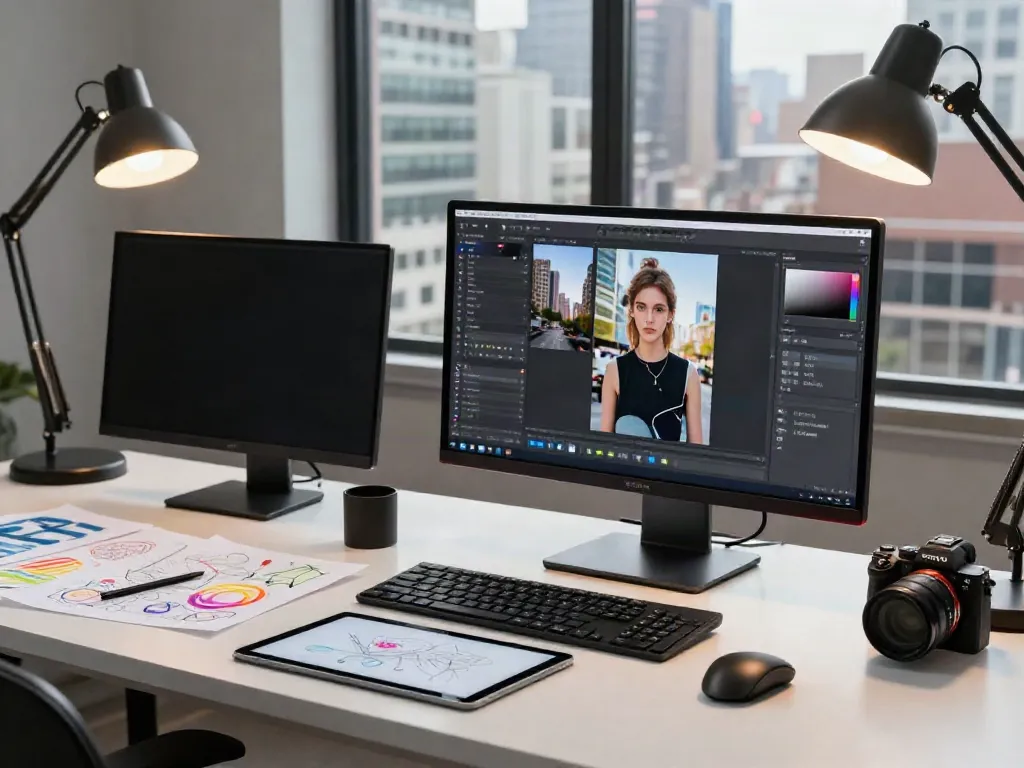
AI image variations refer to the process of using artificial intelligence to generate different versions of an existing image by altering a specified component while keeping the rest of the imagery intact. This can include changing colors, backgrounds, objects, or even weather conditions within the same scene. For example, you can transform a summer scene into winter with snow on the ground or change the color of an object while maintaining the context of the image. Such capabilities are powered by advanced machine learning algorithms that understand visual content and can make intelligent edits based on user-defined instructions or even automatically selected modifications.
How AI Image Variations Work in Editing
The operation of AI image variations typically involves several key steps:
- Image Analysis: The AI analyzes the uploaded image to understand its composition, colors, and overall context.
- User Instructions: Users can specify what they want to change. This can be as simple as “change the bag to red” or “make it night.”
- Image Processing: Based on user input, the AI applies its algorithms to create a new version of the image with the specified changes.
- Output Generation: The result is generated, typically within minutes, and is displayed alongside the original for easy comparison.
By using these tools, creators can avoid the time-consuming processes traditionally associated with image editing, such as masking and layering. Instead, they benefit from swift transformations that maintain the authenticity of the original photograph.
Benefits of Using AI Image Variations in Design
Integrating AI image variations into your design process offers numerous advantages, including:
- Efficiency: Reduce editing time significantly by generating variations quickly without intricate editing skills.
- Creativity: Experiment with different aesthetics and visual ideas without the need for extensive resources or software knowledge.
- Cost-Effectiveness: Minimize costs associated with hiring professional designers for simple image modifications.
- Flexibility: Adapt images for various platforms, audiences, or particular themes with just a few clicks.
Implementing AI Image Variations in Your Workflow
Step-by-Step Guide to Using AI Image Variations
To effectively incorporate AI image variations into your workflow, follow this step-by-step guide:
- Select Your Image: Choose a high-quality image that you want to modify.
- Upload the Image: Use an AI image variation tool to upload your selected photo.
- Define Your Changes: Clearly specify the changes you wish to apply. Be concise and direct in your instructions.
- Generate Variations: Click the generate button and wait for the AI to process your request.
- Review and Compare: After the generation is complete, review the new image alongside the original to assess the changes.
- Download or Further Edit: If satisfied, download the new image, or continue editing using additional instructions for further variations.
Choosing the Right Tools for AI Image Variations
The market is flooded with various tools for creating AI image variations, making it crucial to select the right one for your needs. Consider the following factors:
- User Interface: Choose a tool that's easy to navigate, allowing you to focus on creativity rather than technical difficulties.
- Output Quality: Ensure the tool maintains high image quality during the modification process.
- Customization Options: Look for flexibility in terms of the types of changes you can make; the more options available, the better.
- Community Engagement: Some platforms provide community features where users can share their creations, which can be inspiring and helpful.
Best Practices for Efficient Workflow Integration
To maximize the potential of AI image variations in your workflow, keep these best practices in mind:
- Organize Your Images: Maintain a well-structured digital library for easy access to images you want to edit.
- Experiment Regularly: Regular use of AI tools can enhance your skills and familiarize you with the capabilities and limitations of the software.
- Stay Updated: Technology changes rapidly; keep an eye on updates and new features from the tools you use.
Common Challenges with AI Image Variations
Understanding Limitations of AI Image Variations
Despite their many benefits, AI image variations come with certain limitations. Users may encounter:
- Quality Issues: In some cases, the generated images may not meet quality expectations, especially if the AI misinterprets the changes.
- Context Loss: AI tools may sometimes fail to understand the context well, resulting in changes that seem unnatural or out of place.
- Over-Reliance: Relying too heavily on AI can hinder the development of traditional editing skills, which are still valuable in many scenarios.
How to Avoid Over-Reliance on AI Tools
To ensure that you maintain a balanced approach, consider the following tips:
- Combine Techniques: Use AI tools in conjunction with traditional editing methods to harness the benefits of both.
- Learn Editing Basics: Develop a foundational understanding of photo editing principles so you can make informed choices about using AI.
- Engage with the Community: Participate in forums or workshops that explore both AI tools and conventional techniques.
Addressing Misconceptions in AI Image Modification
Many misconceptions surround the use of AI in image editing. It's important to understand:
- Not a Replacement: AI tools should complement, not replace, human creativity and artistic judgment.
- Complexity in Simplicity: While these tools aim to simplify editing, the results can sometimes require additional fine-tuning to achieve the desired outcome.
Real-World Applications of AI Image Variations
Case Studies of Successful Image Editing Projects
AI image variations have found real-world applications across various sectors:
- Marketing: Brands use AI variations to create targeted ads tailored to specific customer demographics.
- Fashion: E-commerce platforms utilize these tools to showcase products in multiple styles and settings without extensive photoshoots.
- Entertainment: Film and video game industries apply AI variations to create diverse promotional materials with minimal resource expenditure.
Comparative Analysis of Tools for AI Image Variations
With a multitude of AI image variation tools available, a comparative analysis reveals differences in performance, features, and ease of use:
- OpenArt AI: Offers robust features for free, focusing heavily on user-generated content.
- Firefly: Provides innovative variations for Adobe users but may require a steeper learning curve.
- Pincel: Designed for speed, making it a favorite among users looking to generate images in bulk.
Creative Industries Leveraging AI Image Variations
Several creative industries have successfully integrated AI image variations into their processes:
- Photography: Photographers can streamline their workflow by quickly previewing different looks for an image.
- Graphic Design: Designers can produce a myriad of styles for branding and marketing materials without starting from scratch.
The Future of AI Image Variations in 2026 and Beyond
Emerging Trends in AI Image Editing
As AI technology continues evolving, several trends are likely to shape the future of AI image variations:
- Increased Personalization: Future tools may offer more tailored experiences based on individual user preferences and past editing behavior.
- Enhanced Realism: Advances in AI algorithms could lead to more photorealistic variations that are indistinguishable from real-life alterations.
- Integration with Augmented Reality: AI tools might integrate seamlessly with AR applications, allowing users to visualize variations in real-time environments.
Predictions for AI-Enhanced Design Techniques
Looking ahead, we can expect:
- Improved Natural Language Processing: Future AI tools will better understand complex user instructions, providing more nuanced variations.
- Cross-Platform Compatibility: AI image variations will likely become more integrated across various creative software, enhancing usability.
Expert Insights on the Evolution of AI in Creative Fields
Industry experts predict that as AI technology becomes increasingly sophisticated, it will revolutionize how creators approach visual storytelling, making image modification not just quicker but also more impactful.
How Can AI Image Variations Enhance User Engagement?
Incorporating personalized AI image variations can significantly boost user engagement on digital platforms. By allowing for customized visuals that resonate with target audiences, brands can foster deeper connections and improve conversion rates.
What are the Most Popular AI Image Variation Tools?
Several tools have gained popularity for their unique features and user-friendly interfaces, such as:
- DeepAI: Renowned for its creative freedom, enabling users to explore various art styles.
- Canva: While primarily a design platform, it integrates simple AI variation tools that cater to casual users.
How Do AI Image Variations Impact the Design Process?
AI image variations streamline the design process, allowing for rapid prototyping and exploration of concepts. This can lead to more innovative solutions and a more agile approach to project development.
Are AI Image Variations Suitable for Beginners?
Absolutely, many AI image variation tools are designed with user-friendliness in mind, enabling beginners to produce professional-quality edits with minimal learning curve.
What Challenges Do Designers Face with AI Tools?
Some challenges include:
- Lack of Control: Designers may feel they have less control over the creative process when relying on AI.
- Understanding AI Limitations: Knowing when and how to use AI effectively becomes crucial, as not every situation will call for it.
How Will AI Image Variations Change in the Next Few Years?
The evolution of AI image variations will likely bring about more intelligent systems capable of understanding complex user needs and providing tailored edits that maintain the essence of the original content.