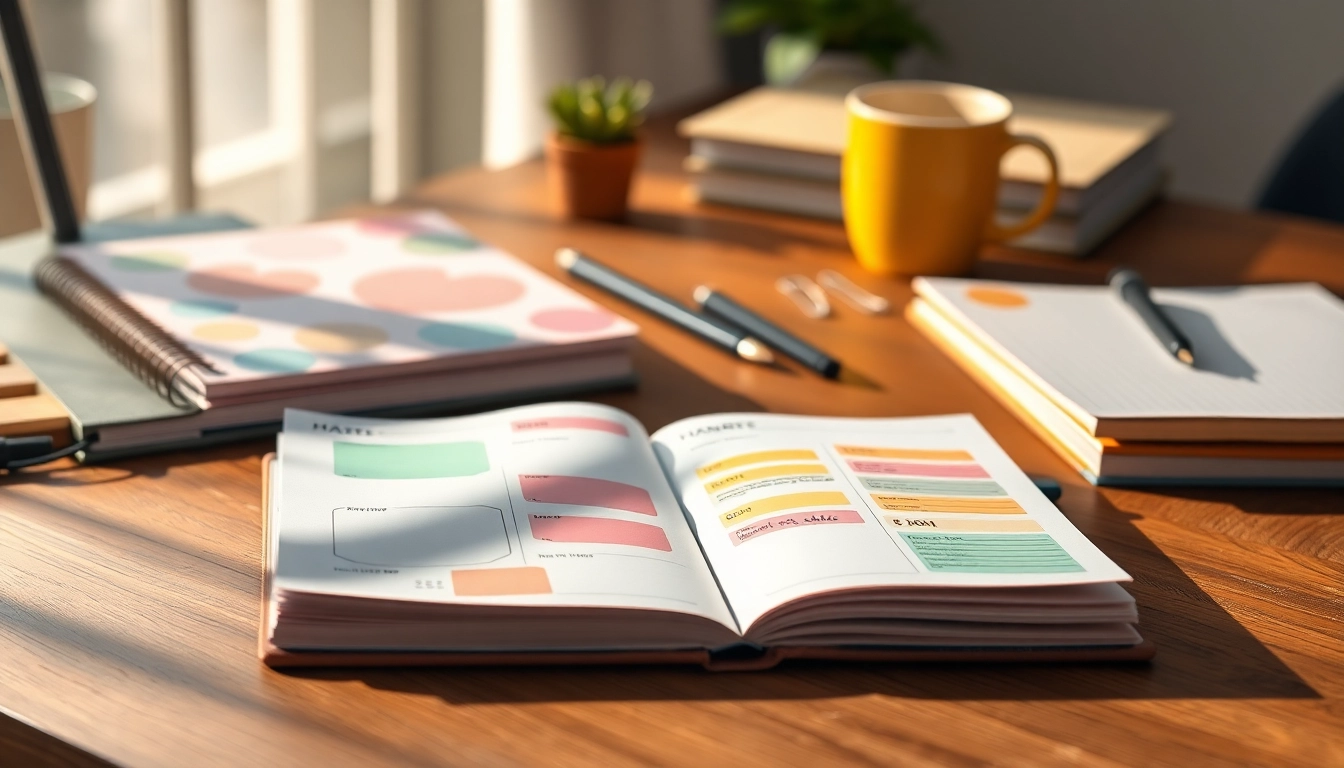
Understanding Stylus-Friendly Planners
In a fast-paced world where organization is key to productivity, stylus-friendly planners have emerged as innovative tools combining traditional planning with modern technology. These planners cater to individuals seeking a seamless writing experience using stylus pens, making them ideal for both digital and paper-based planning. As more people embrace the convenience of stylus writing, understanding the essence of Stylus-Friendly Planners can greatly impact personal productivity and creativity.
What Are Stylus-Friendly Planners?
Stylus-friendly planners are planners designed specifically to work efficiently with stylus pens, typically used on digital displays or with smart notebooks. They provide a versatile option for those who prefer the tactile feel of writing but want the convenience of digital integration. These planners allow users to jot down notes, sketch ideas, or plan their days without the hassle of smudging or lag. The core benefit lies in their ability to blend the analog and digital worlds seamlessly.
Benefits of Using Stylus-Friendly Planners
The benefits of incorporating stylus-friendly planners into your routine extend far beyond convenience. Here are some compelling reasons to consider adopting them:
- Enhanced Flexibility: Stylus-friendly planners allow users to switch between writing and sketching easily, accommodating various planning styles.
- Streamlined Organization: With the capability to erase and rewrite, these planners help keep your notes and schedules neat and organized.
- Rich Customization: Users can personalize their planners with colors, designs, and templates that suit their tastes and workflows.
- Environmental Impact: Reducing paper waste through digital integration can be an appealing factor for eco-conscious individuals.
- Accessibility and Sharing: Digital planners can be easily shared across devices and with others, facilitating collaboration and accessibility.
Choosing the Right Stylus-Friendly Planner for You
Selecting the right stylus-friendly planner depends on individual needs, preferences, and how one plans to utilize the planner. When choosing a planner, consider the following factors:
- Purpose: Identify your primary goals, whether it’s for daily scheduling, goal tracking, or creative projects.
- Compatibility: Ensure that the planner works well with your stylus and device. Not all styluses and planners are compatible.
- Format: Decide between digital-only planners, hybrid planners, or those that allow for traditional pen and paper use.
- Features: Look for features like various layouts (daily, weekly, monthly), templates, and multimedia integration options.
Key Features to Look For
Page Texture and Paper Quality
When it comes to stylus-friendly planners, the quality of the paper and its texture are paramount. A smooth page is crucial for effortless gliding of the stylus, preventing skips and uneven lines. Look for planners that specify that they use high-quality, bleed-resistant paper designed for stylus use. Premium paper can also enhance the tactile experience, making writing feel more natural.
Layout Options: Daily, Weekly, Monthly
Effective planners provide flexibility in layout options. Depending on your scheduling style, you might prefer:
- Daily Layouts: Great for detailed hour-by-hour scheduling, perfect for busy professionals.
- Weekly Layouts: Ideal for those who want a broader view of their week, facilitating task prioritization.
- Monthly Layouts: Excellent for long-term planning and tracking major events and deadlines.
Some planners even combine multiple layout types, allowing users to choose what best fits their planning needs.
Design Adaptability and Personalization
Personalizing your planner is not just about aesthetics; it's also about making sure it works for you. Look for planners that offer:
- Custom Templates: The ability to create or choose templates that fit specific tasks or projects.
- Stickers & Stamps: Incorporating graphical elements that enhance visual interest and organization.
- Color Coding: Using color to signify different goals, tasks, or statuses in your planner can improve clarity and aesthetics.
Incorporating these elements into your planner can lead to a more engaging and effective planning experience.
How to Maximize Your Planning with Stylus-Friendly Planners
Effective Techniques for Note-Taking
Maximizing your use of a stylus-friendly planner involves adopting effective note-taking strategies, such as:
- Bullet Journaling: Utilize bullet points to create concise, organized notes.
- Mind Mapping: Visually organize thoughts and tasks by drawing diagrams that connect different concepts.
- Highlighting Key Points: Use different pen colors to emphasize significant information, making it easier to revisit important notes.
Integrating Visual Elements and Creativity
Your planner should not just be a tool for tracking tasks but also a canvas for creativity. Consider the following:
- Sketching Ideas: Use drawings or diagrams to visualize projects or brainstorm concepts.
- Stickers and Washi Tape: Add decorative elements that reflect your personality and make your planner more visually appealing.
- Images and Photos: Incorporate printed photographs or digital images to personalize your planner further.
Tracking Goals and Habits Efficiently
Setting and tracking goals is a crucial aspect of planning. Here’s how to do it effectively with your stylus-friendly planner:
- SMART Goals: Ensure your goals are Specific, Measurable, Achievable, Relevant, and Time-bound.
- Habit Tracking: Create a dedicated section for tracking habits, using color-coded checkboxes or charts.
- Regular Review: Set aside time weekly to assess progress toward your goals and make adjustments as necessary.
Common Challenges with Stylus-Friendly Planners
Pitfalls to Avoid in Planning
While stylus-friendly planners can significantly improve productivity, users may encounter challenges. Here are common pitfalls and how to avoid them:
- Overcomplication: Simplify your layout to avoid confusion or overwhelm.
- Inconsistency: Make a habit of noting items down promptly to remain consistent.
- Neglecting Review: Regularly reviewing your planner ensures you stay on track with your goals and commitments.
How to Stay Consistent with Your Planner
Consistency is key in achieving effectiveness with any planner. Here are tips to maintain regular use:
- Set a Routine: Designate specific times for planning, whether daily or weekly, to grow the habit.
- Keep It Accessible: Always have your planner within reach, making it easier to jot down notes or changes instantly.
- Use Reminders: Set reminders on your phone or other devices to prompt you to check your planner regularly.
Tips for Organizing Your Planner Space
A neat and organized planner environment can enhance productivity. Consider the following tips:
- Dedicated Workspace: Set aside a specific area for planning to maintain focus.
- Limit Distractions: Reduce disturbances by minimizing noise or electronic distractions during planning time.
- Utilize Digital Tools: Incorporate apps or digital reminders alongside your physical planner to streamline your organization.
Frequently Asked Questions
What materials are best for stylus-friendly planners?
Priority should be given to smooth, bleed-resistant paper that allows for seamless writing and prevents smudging.
Can I use gel pens on stylus-friendly planners?
Absolutely! Just ensure that the gel pens are non-bleed to maintain the planner's integrity over time.
Are stylus-friendly planners suitable for digital devices?
Many stylus-friendly planners are designed for optimal use with digital pens on tablets, enhancing their usability.
What is the best way to personalize my planner?
Utilize various stickers, washi tape, and colored pens to craft a design that reflects your personal style and preferences.
How can I keep my planner organized throughout the year?
Regularly update your planner, use color coding for events, and schedule dedicated time weekly to plan out goals and tasks.